

HOW TO Root Xperia Phone via Flash Tool
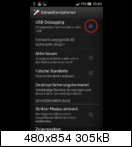
1. Switch USB-Debugging on: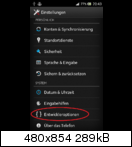
2. Install Flashtool on your pc (you can download installer from here xperia flash tool
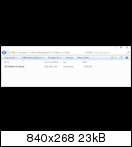
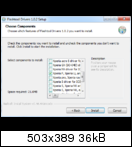
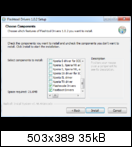
3. Install drivers for flashtool:
3. Connect your device to the PC
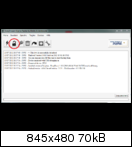
4.Start flashtool, press the root button, select superuser and press OK:
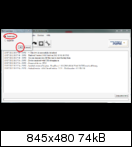
When prompted click the restore button on your phone, be sure you select the 'RootME' recovery!{ WITHIN 60 second } Be sure you select the 'RootME' recovery.
Because, if you already back-upped your phone, the 'RootMe' recovery isn't the default selection anymore
6. Let the device reboot 3 times
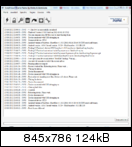
7. The log in flashtool should look like this:
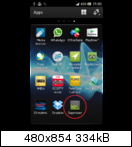
8. And of course the proof:
problems,තියනවනම් කෑමති විදිහකට අහන්න thanx for following my tutorial 13/10/2013
You do everything at your own risk!!
Share story







0 comments: